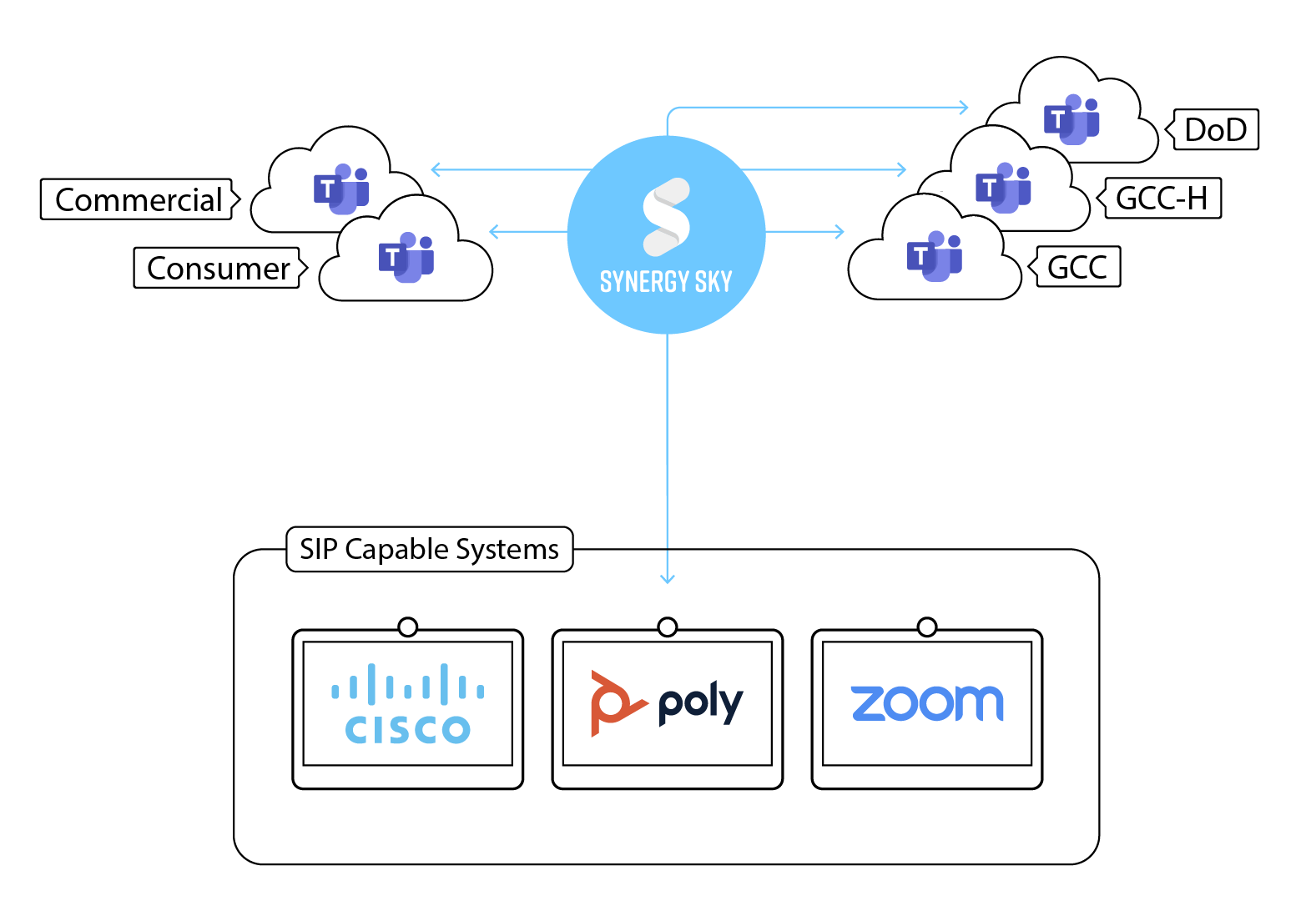
Cross-Platform Interoperability
Secure Video Deployments
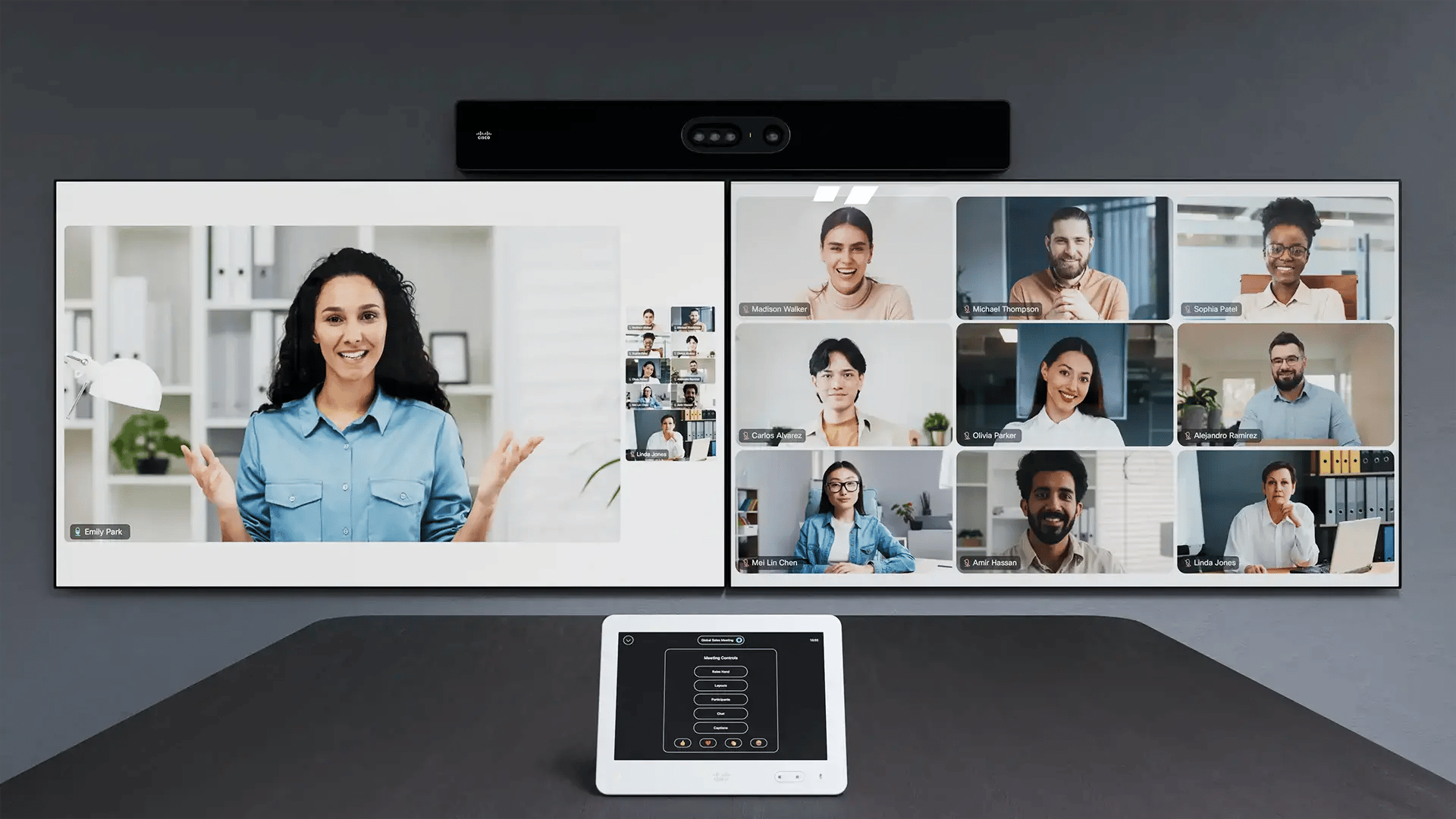

Microsoft Teams meetings are no longer just about video and screen sharing.
With features like PowerPoint Live and Microsoft Whiteboard, meetings have become interactive, application-driven experiences.
But one question still comes up: Can SIP-based video conferencing systems like Cisco and Poly fully participate in these experiences?
The answer today is: Yes, but not all approaches deliver the same experience.
The Shift: From Screen Sharing to Application Sharing
Traditional meetings relied on screen sharing.
Modern Teams meetings use:
These are not just visuals, they are interactive meeting layers. This shift creates a new requirement:
👉 Every participant, including meeting rooms, must be able to engage, not just watch.
Where Interoperability Stands Today
Interoperability solutions, including CVI, have evolved. Today, PowerPoint Live can be accessed from SIP devices in Teams meetings. That’s a big step forward. But feature availability is only part of the story.
The Real Gap: Experience vs Access
Even when features like PowerPoint Live are technically available, the experience often differs:
This is where most interoperability solutions stop: 👉 They provide access , but not necessarily: 👉 A native meeting experience.
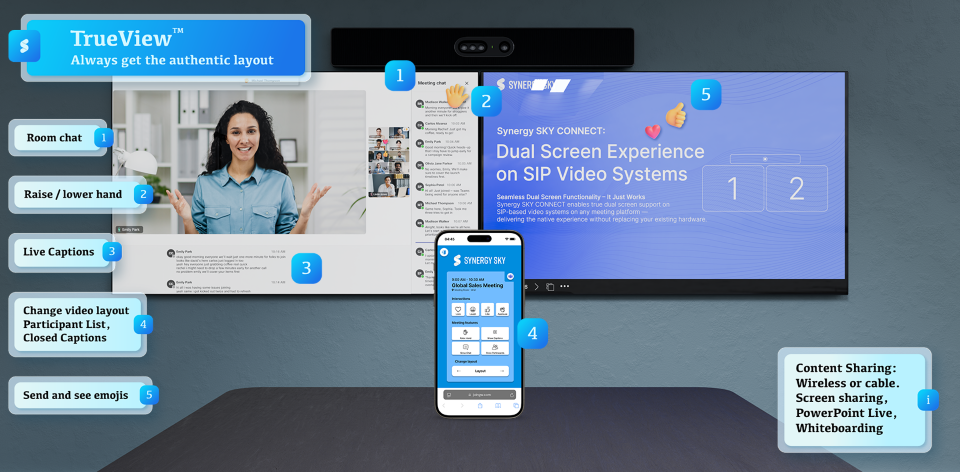
Introducing TrueView: A Native Teams Experience on SIP Devices
With Synergy SKY TrueView, SIP endpoints don’t just join Teams meetings. They experience them as if they were native Teams clients.
This includes:
TrueView ensures that meeting rooms are no longer “dial-in participants,” but fully present in the meeting experience.
From Viewing to Engaging: TrueView Engage
Modern meetings are interactive. That’s where TrueView Engage comes in. It enables SIP devices to go beyond passive viewing and actively participate with:
This bridges the final gap between:
PowerPoint Live: What It Actually Changes
PowerPoint Live is fundamentally different from screen sharing. It enables:
The key question is not: 👉 “Can you see it?", the question is: 👉 “Can you experience it the same way as everyone else?”
TrueView vs Traditional Interoperability
|
Capability |
Traditional Interop (incl. CVI) |
TrueView + TrueView Engage |
|
PowerPoint Live |
Supported |
Fully native experience |
|
Whiteboard |
Supported (varies) |
Native experience |
|
Layouts & UI |
Limited / adapted |
Teams-like experience |
|
Interaction |
Limited |
Full engagement |
|
Experience consistency |
Partial |
Complete |
 What This Means for Your Organization
The Bigger Picture
The evolution of meetings is clear:
👉 From devices connecting to meetings
👉 To users participating in shared applications
True interoperability is no longer about joining. It’s about experiencing the meeting the same way, from any device.
 Want to See TrueView in Action?
If you’re exploring how to bring a native Microsoft Teams experience to your SIP devices, it’s worth seeing the difference live.